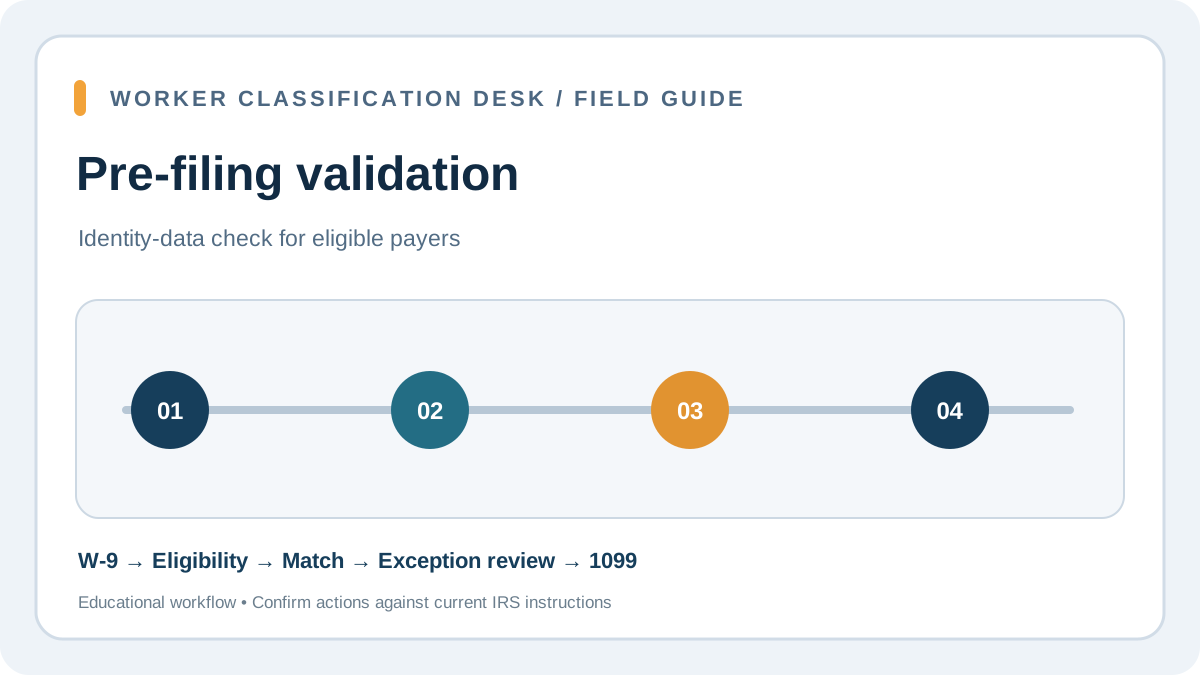
What IRS TIN Matching checks—and what it does not
The IRS TIN Matching program lets an eligible payer or authorized agent compare a payee’s name and taxpayer identification number with the combination in IRS records before filing an information return. It is a data-quality control for payers of reportable payments, not a background check. A match does not prove that the person performed the work, owns a claimed business, is correctly classified as a contractor, or is exempt from a particular form. A nonmatch does not by itself prove fraud; it signals that the payer should stop and resolve the information carefully.
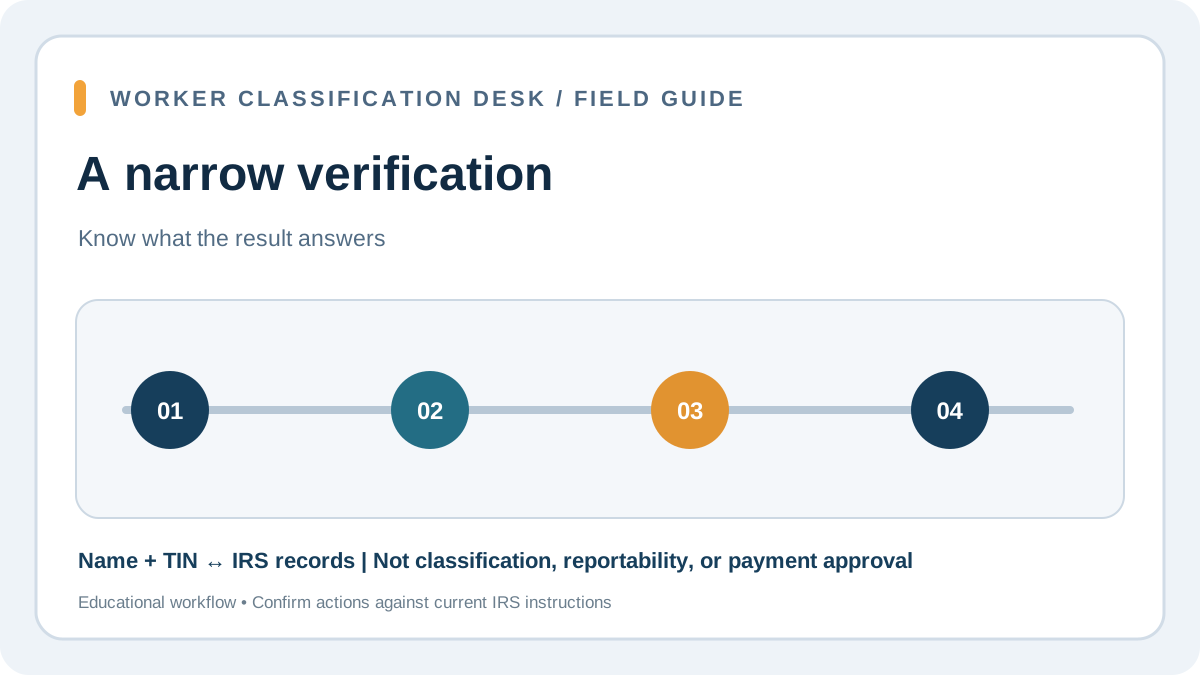
Keep the question narrow: 'Does this submitted payee name/TIN combination match the IRS record for information reporting?' Make a separate worker-classification decision using the actual facts and relevant federal and state tests. TIN Matching also does not replace Form W-9 collection, year-end payment reconciliation, required filing, backup withholding, or a response to a later CP2100/CP2100A notice. Treat the output as one confidential control result, not as a universal approval flag.
Check payer eligibility before creating a workflow
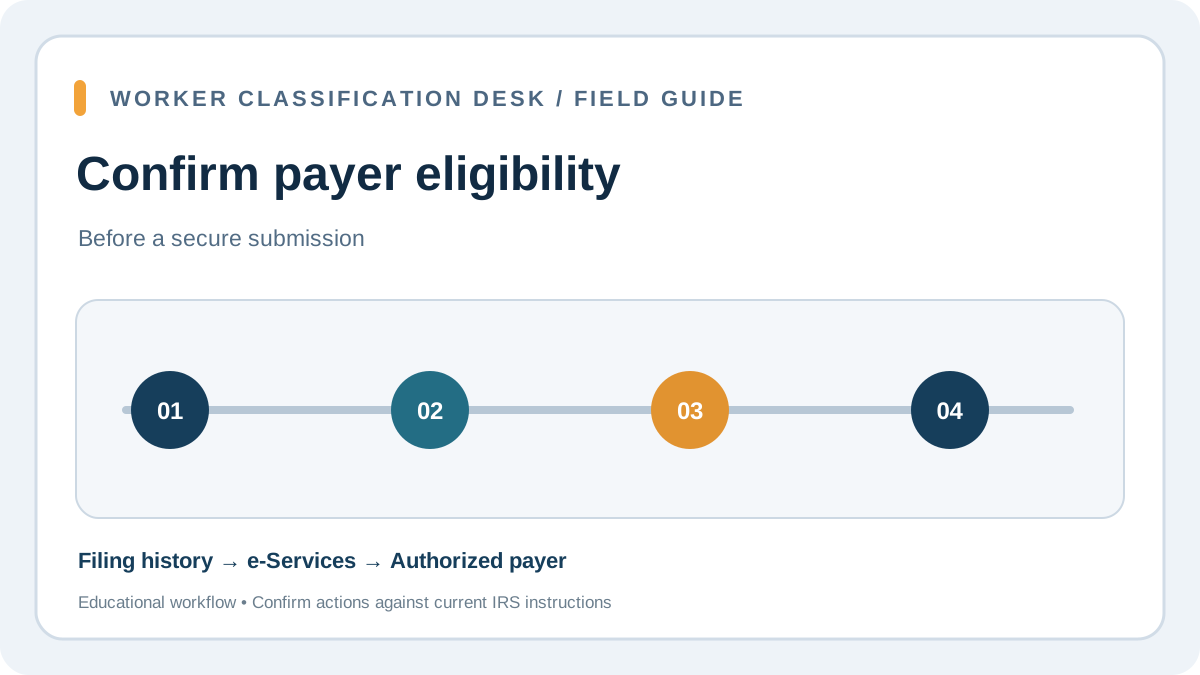
The IRS program is not an open public lookup tool for any customer or job applicant. It is intended for payers and authorized agents who file covered information returns. The IRS describes an eligibility requirement tied to the payer’s appearance in the IRS Payer Account File; the payer generally must have filed qualifying Forms 1099 within the prior two years that included backup withholding. Applicants also need an IRS account and must complete e-Services registration and the TIN Matching application process.
Before assigning staff time to an unmatched vendor batch, confirm that the legal payer entity and employer identification number are the ones registered for the relevant filings. An accounting firm or service bureau may act as an authorized agent when it has payer authorization; do not use a general-purpose account or another client’s records. If the organization is not eligible, use a proper W-9 collection and data-entry review process and ask its filer or tax adviser about the available next steps. Do not borrow another payer’s login.
Prepare the payee file before submitting names and TINs
Start with the signed Form W-9 or acceptable substitute, not a guessed spelling from an invoice. Use the name line and TIN combination the payee certified for information reporting, and capture the correct payer/account context. Check for common data problems before submitting: punctuation that changed the legal name, a DBA entered where the tax name belongs, an entity type copied into the wrong field, a missing middle initial where relevant to the source record, a transposed digit, or a stale vendor record after an entity conversion. Do not email unencrypted TIN lists or paste them into general-purpose project tickets.
Normalize formatting only as the IRS tool permits; do not rewrite a payee’s tax name to force a match. Record a reference ID for the vendor record and tax year in the secure workpaper, while restricting the full TIN and result to staff who handle information-return compliance. The names and numbers must remain traceable to the original W-9, because a bare 'match' result without source documentation is difficult to reproduce and does not show why the payer selected that record.
Choose interactive or bulk matching based on the batch
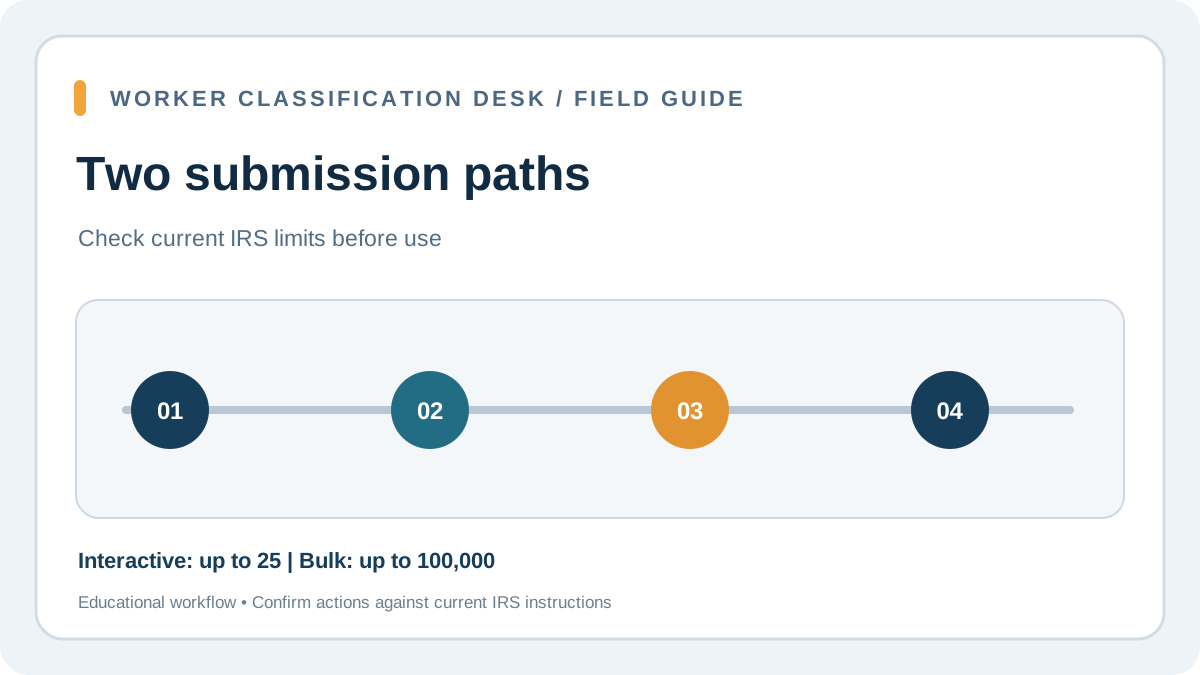
The IRS describes two program options. Interactive matching accepts up to 25 name/TIN combinations at a time and returns results immediately; the IRS page also describes a 999-request limit during a 24-hour period. Bulk matching accepts up to 100,000 combinations in a file and returns results within 24 hours. Confirm current system limits and file instructions on the IRS site before each run, because operational details can change. A small business with a handful of new vendors may prefer interactive checks; a payer reconciling a large annual population may need a controlled bulk file.
For a bulk run, have a second reviewer check the payer identity, field mapping, file count, duplicate records, and secure transfer location before submission. Save the submission confirmation and retrieve the result from the designated IRS secure channel. Do not interpret a missing result as a match. If the return is urgent, give the tax owner the remaining time to resolve the exceptions rather than allowing a spreadsheet deadline to become an unreviewed filing decision. The IRS operating manual also says the application’s result codes distinguish a match, missing or invalid TIN, an unissued TIN, a mismatch, and invalid or duplicate requests. A code that does not resolve the record is a reason to check the source documentation, not to guess a different name. Avoid repeatedly trying variations of the same TIN: the IRS manual describes a security control that can lock access for 96 hours when a TIN is researched with different names.
Interpret a mismatch as a research task, not permission to edit blindly
When the result does not match, compare the submitted pair with the payee’s W-9 and the payer’s vendor master. Confirm that the right taxpayer is in scope, that the correct name line was used, and that the TIN belongs to the legal payee receiving the reportable payment. Ask the payee to review the signed certification and supply corrected documentation when appropriate; do not ask them to send a Social Security card or other excess identity documents unless a separate lawful process requires it. Preserve both the original value and corrected value with effective dates.
A corrected W-9 is not a reason to conceal that an earlier information return was filed with different data. Decide whether the current-year vendor record, an already-filed return, or both need correction. If an IRS CP2100/CP2100A notice later arrives, follow the B Notice instructions and timing; a pre-filing match is not a waiver of those notice procedures. If the payee disputes the result, the payer cannot inspect the IRS database or override it; route the case to the tax adviser or filing specialist and hold a clear decision record. There is also a limit to what a positive result proves: the IRS manual describes a proximal name-control match for SSNs, so a match code should not be treated as a guarantee that every character of the submitted individual name is identical to the IRS record. Keep the certified W-9 as the source document and investigate a discrepancy rather than polishing names until the tool returns a favorable response.
Build privacy and access controls around the result
TIN matching output contains sensitive tax information. Store submissions, confirmations, and results in a restricted tax-compliance repository with role-based access. Do not put full SSNs/EINs in ordinary vendor notes, shared spreadsheets, chat, general ticket titles, or image captures. Use a random case ID in workflow views and keep the identity crosswalk in the protected source system. Limit exports, set a retention policy consistent with legal and tax requirements, and ensure a departing employee’s access is removed.
The IRS W-9 requester instructions say information obtained through TIN Matching must be kept confidential under the applicable regulations. That makes security part of the tax workflow, not an optional IT preference. A control owner should test who can view results, whether exported files are encrypted at rest and in transit, and whether downloads can be deleted after reconciliation. If a provider hosts the workflow, document the approved system and responsibility for access and retention rather than copying raw tax IDs to personal storage. IRS procedure says TIN Matching results in the Secure Object Repository are deleted after three business days if read, or 30 business days if left unread. Download and secure the results promptly, and keep the dated file in the payer’s restricted tax record system. Do not rely on the IRS mailbox as the permanent evidence that the check occurred.
Connect pre-filing validation to payment and year-end controls
Use TIN Matching at a defined point in the vendor lifecycle: after the payee has furnished a W-9, before the annual information return is finalized, and again after a material name or entity change when appropriate. Put a named owner on exceptions, with a due date, follow-up status, and rule for escalation. Keep classification approval separate from tax-identity verification, and keep AP payment totals separate from the match result. At year-end reconcile vendors by legal payee/TIN, total reportable payments, form type, withholding, and any correction needed.
A successful match can reduce preventable name/TIN errors and related notices, but it does not guarantee that every Form 1099 is complete or correctly categorized. The business still determines whether a payment is reportable, applies the correct tax-year threshold and exceptions, issues a payee statement, and files by the applicable deadline. A TIN check should therefore feed a larger close process, not replace the reconciliation and second-person review of the actual return file.
Pre-filing control map
Where TIN Matching fits in contractor compliance
This sequence separates tax identity verification from classification and payment approval.
| Stage | Control question | Evidence to retain |
|---|---|---|
| Classification | What law and facts determine worker status? | Decision record and review date |
| Tax intake | What name/TIN did the U.S. payee certify? | Signed Form W-9 and receipt date |
| Pre-filing check | Is payer eligible and does the pair match? | Secure submission and result |
| Payment reporting | Which payments and form rules apply? | Reconciled ledger and exception log |
| Notice response | Did a CP2100/B Notice process occur? | Notice history and resolution |
WORKED EXAMPLE
Worked example: a name change creates a year-end mismatch
A consulting firm pays a sole proprietor through one AP vendor ID and receives a new W-9 after the contractor changes a legal name. The account manager updates an invoice display name, but AP’s export still uses the old name with the current TIN. Before filing, the tax team verifies payer eligibility, submits the certified name/TIN pair through the appropriate IRS TIN Matching option, and receives a nonmatch result. It does not edit the result away or assume the worker is ineligible to be a contractor.
The reviewer checks the W-9 line 1 name, confirms the payee’s documentation, corrects the vendor master with an audit trail, and reruns the validation under the approved payer account. The team then reconciles the payment total and information-return file separately. The IRS check helps catch the data mismatch; it does not decide whether the services were reportable, whether a 1099-NEC threshold applies, or whether the underlying classification is correct.
COMMON QUESTIONS
Frequently asked
- Can anyone use the IRS TIN Matching program?
- No. It is for eligible payers and authorized agents who meet the IRS participation requirements and register through e-Services.
- Does a TIN match prove a contractor is an independent contractor?
- No. It checks the name/TIN combination against IRS records. Worker classification is a separate legal and factual analysis.
- How many records can I check?
- The IRS describes interactive batches up to 25 and bulk files up to 100,000 combinations; verify current operational instructions before submitting.
- What should I do with a nonmatch?
- Compare the result with the signed W-9 and vendor master, request corrected certification where appropriate, preserve the audit trail, and resolve the filing impact.
- Can I store the result in the vendor’s general notes?
- Keep the full TIN and matching output in restricted tax-compliance storage. Use a case reference in general workflow tools.
 What Can Trigger a State Unemployment Tax Worker-Classification Audit?
 1099 or W-2? Start With the IRS Three-Category Classification Framework
 How to Respond to an IRS CP2100 or CP2100A Notice for Contractor 1099s
 How to Set Up 1099 Contractor Payments in Accounts Payable
 How to Prepare Form 8952 for VCSP: Build the Worker Roster, Class Description, Start Date, and Payment Workpaper
 How to Answer a Worker-Classification Questionnaire Without Guessing